Coming soonChrome extension
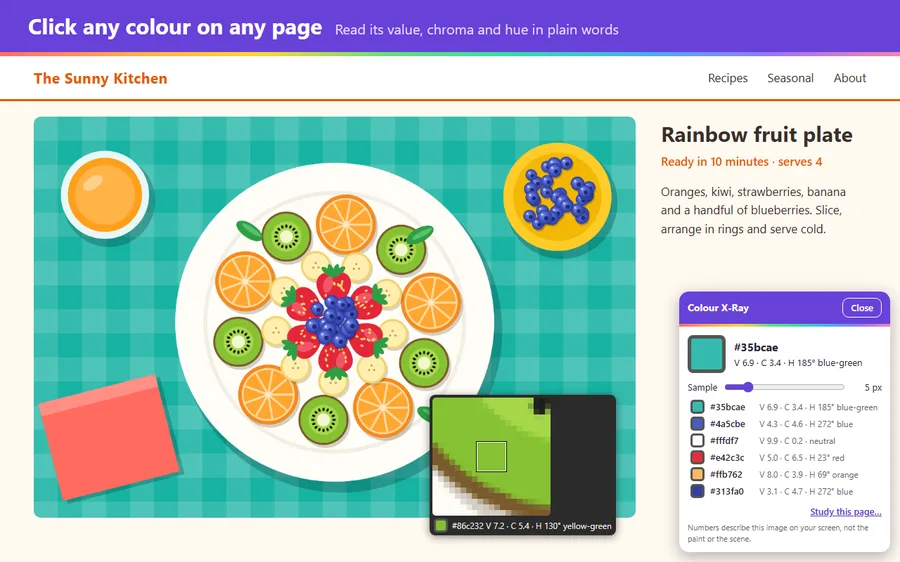
Colour X-Ray
See hue, value, chroma and colour relationships in any photo. Pick colours straight from images on the page.
Not on the Chrome Web Store yet
See colour, value and form more clearly in any picture. For anyone who paints, sketches, draws or designs.
Small tools that each do one job well. Today they are Chrome extensions; desktop and mobile apps may follow.
See hue, value, chroma and colour relationships in any photo. Pick colours straight from images on the page.
Not on the Chrome Web Store yet
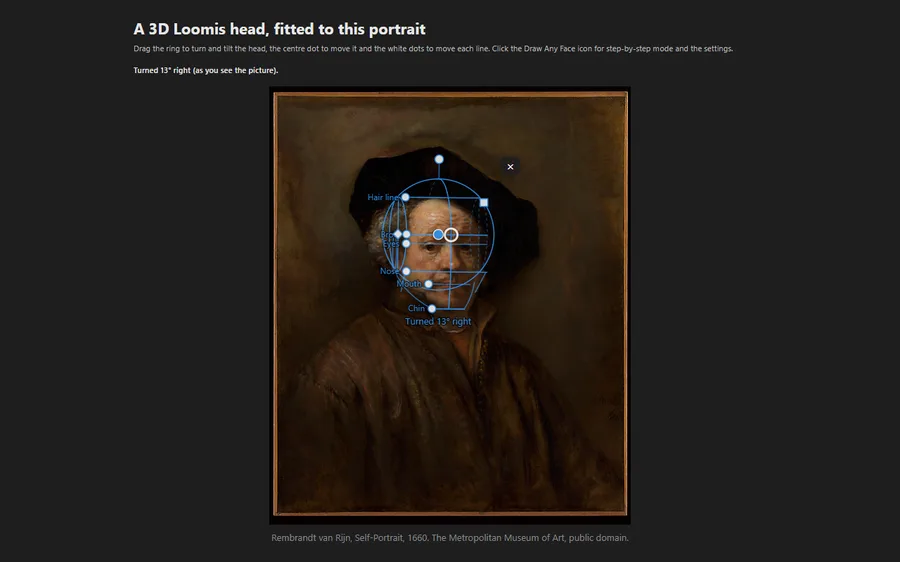
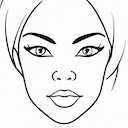
Learn to build a head from any angle with the Loomis method, step by step, over your own reference.
Add to Chrome (opens in a new tab)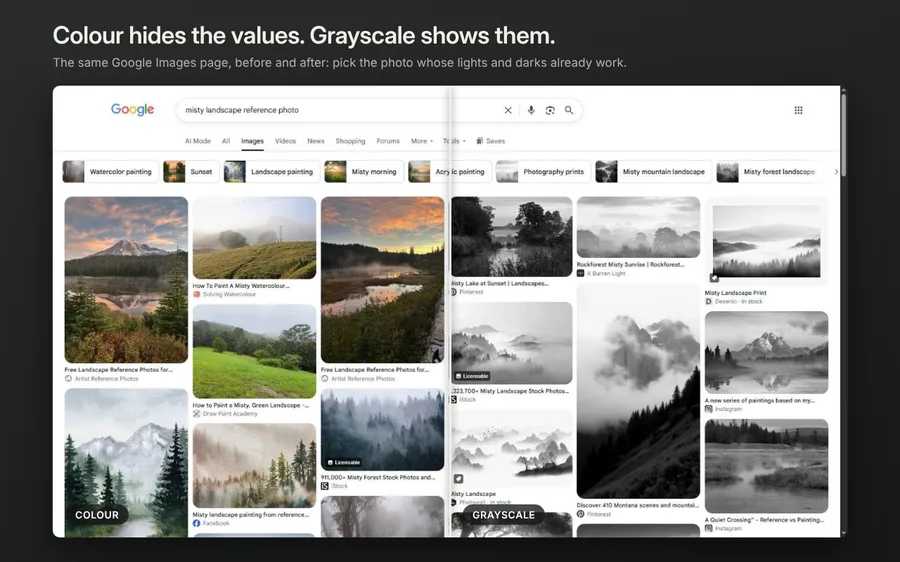

Adjust any image on a web page to check its values and simplify your reference before you start.
Add to Chrome (opens in a new tab)One click from the Chrome Web Store.
A master painting, your own reference photo, a museum page. If it is in your browser, it works.
The tool opens on top of the page you are already on.
I'm Hasan, and I'm an artist. I paint, sketch and draw, and I write software for a living. When I pick a reference and want to understand the layers hidden underneath it, I build a tool for that, then share it here.
See the art made with these tools